CDSL Easiest is an online facility provided by Central Depository Services (India) Limited that allows Demat account holders to manage and transfer their securities digitally without paperwork. Through CDSL Easiest, investors can transfer shares from one Demat account to another, view holdings and transaction history, freeze or unfreeze accounts for security, and manage multiple Demat accounts under a single login. The platform uses secure PIN and OTP-based authentication, making it one of the safest ways to handle electronic share transfers without visiting the Depository Participant.
An Off-Market Transfer refers to the transfer of shares directly from one Demat account to another without executing a trade on stock exchanges like National Stock Exchange of India or BSE Limited. These transfers usually happen between your own accounts, family members, gift transfers, or when moving shares between brokers. CDSL Easiest is commonly used for off-market transfers because it allows investors to move shares electronically, securely, and quickly without selling them in the market.
The following blog provides a detailed guide on how to create a CDSL Easiest login. It explains the registration process, account setup, and how investors can securely transfer shares using the CDSL Easiest platform. : https://www.pentadsecurities.com/blogs/how-to-create-cdsl-easiest-login
You are required to add the buyer as a beneficiary in CDSL Easiest. This can be done through either of the following two options:
1. Physical Submission: You may provide the duly filled and signed Beneficiary Addition Annexure to our office.
2. Online Method: You can add the beneficiary directly through the available option in CDSL Easiest (given below).
Please proceed with either of the above methods at your convenience.
1.You have to login your CDSL Easiest Login:
Step 1- Image showing below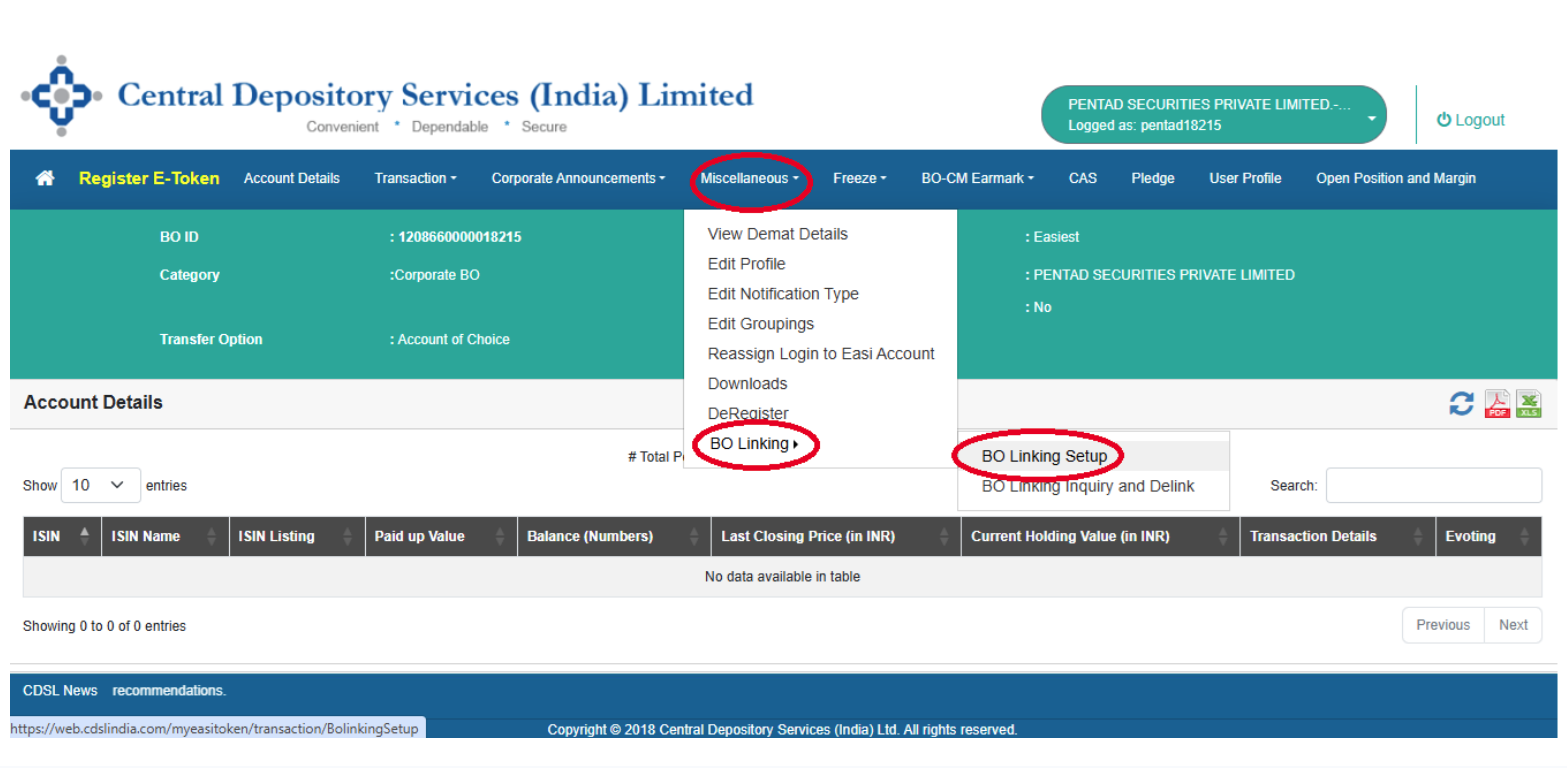
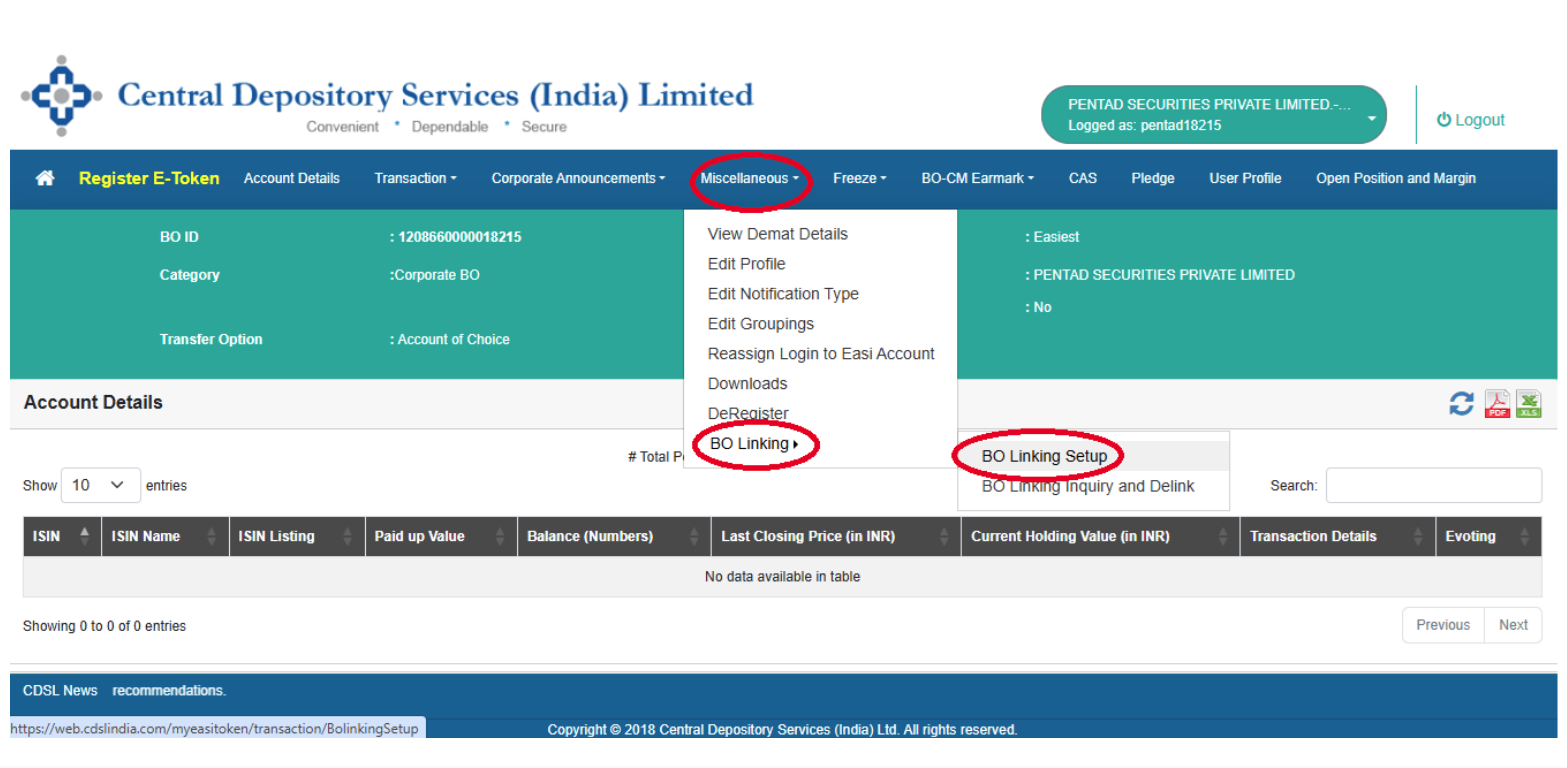
Step – 2 Image
Step – 3 Image
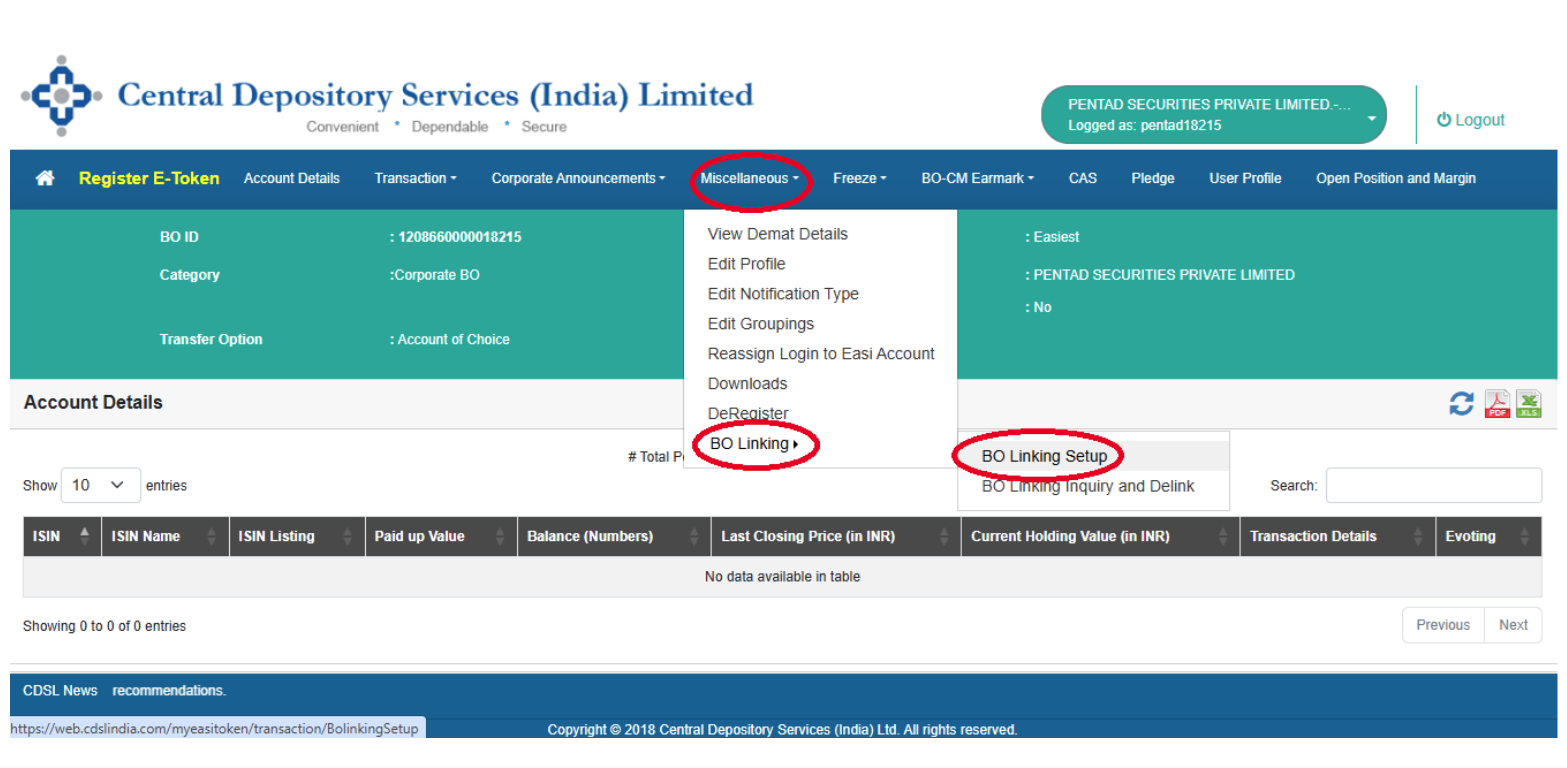
1.Open above mentioned weblink through google chrome app and give your Pan number or 16 Digit Demat A/c number then click Submit
2.Click “BO Seller Buyer Link” then tick the account details. Click OTP then OTP will generate.
3.Type the received OTP in your registered Mobile No or Email, Then Click submit.